SD-JWT & Verifiable Credential Inspector
Decode, inspect claims, and analyze selective disclosure digests in SD-JWT (RFC 9901) and W3C VC tokens.
Paste any signed SD-JWT string or W3C JSON payload below. All parsing and cryptographic structure inspection runs 100% locally in your browser.
What this tool does
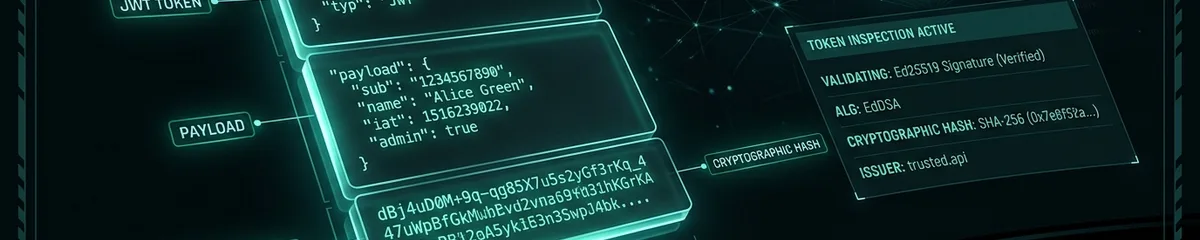
It decodes an SD-JWT or a W3C verifiable credential JSON and shows you, plainly, what is inside. For a compact SD-JWT it splits the token at the ~ separators, base64url-decodes the JWT header and payload, and decodes each selective disclosure into its three parts — salt, claim name, claim value. For a plain JSON payload it pretty-prints the credential and its proof block. Three tabs hold the views: header and payload, the disclosures, and the issuer summary (issuer DID, algorithm, and the raw signature fragment). Everything updates live as you type.
How to use it
- Paste a token or a credential JSON — or press Load Sample SD-JWT VC for a worked example.
- Read the tabs. The disclosures tab is the interesting one: it shows exactly which claims a presentation reveals, and which stay hidden behind
_sddigests.
Where your data goes
Nowhere. Decoding is atob and JSON.parse in plain JavaScript — no libraries, no network, no storage. The token you paste lives in the textarea until you reload.
Who it's for
Anyone holding or issuing an SD-JWT who wants to see inside it before deciding what to do with it — which claims are disclosed, what the issuer put in the payload, which algorithm signed it. It's also the fast debugging view when a downstream tool chokes on a token: see the actual structure instead of guessing from the base64 soup.
Honest limits
- This is a decoder, not a verifier. Nothing here is checked cryptographically — signatures are displayed, not validated, and disclosure digests are not recomputed. For real verification use the SD-JWT verifier, which recomputes every digest and checks the Ed25519 signature.
- A tampered token still decodes. Because nothing is verified, a forged disclosure displays just as happily as a genuine one. What you see here proves nothing about authenticity.
- Compact form and plain JSON only. SD-JWTs wrapped in other presentation formats, or credentials in unrelated profiles, are not handled.
Questions people ask
What is the _sd list in my payload?
It is an array of SHA-256 digests — one digest per claim the issuer chose to make selectively disclosable. Each digest hides one claim; only a holder who attaches the matching disclosure reveals it. This page shows you the digests and decodes whatever disclosures came attached to the token.
Why is a claim I expected not visible?
It may still be hidden behind an undisclosed digest. The payload tab shows what the issuer signed; the disclosures tab shows what was revealed alongside it. A claim can exist in the credential without appearing in either view — that is selective disclosure working as designed.
Can I trust what this page shows me?
You can trust that the decoded bytes are the bytes — but not that they are authentic. Nothing here is verified; a forged token decodes just as smoothly as a real one. Establishing authenticity is the verifier's job, not the inspector's.
The verifiers cluster holds the verification-grade counterparts of this inspector.